Superwhisper Alternatives for Mac and Windows: Setup, Price, and Your Dictation History
A superwhisper alternative is any dictation app that does the same core job: you hold a shortcut, speak, and clean text lands at your cursor. Superwhisper now ships for macOS, Windows and iOS, so the platform question is mostly settled. The real split between tools is setup effort, price model, and whether your past dictations are kept.
This guide is for people already running Superwhisper who want to know what else is out there, and for people picking their first dictation app. It covers eight tools, what each one costs, and the one question none of the other roundups answer: what happens to the dictations you have already made.
What Superwhisper Does, and Why People Still Shop Around
Superwhisper is a push to talk dictation app. You put your cursor in a text field, press a shortcut, speak, and formatted text appears. It runs voice models either on your own machine or in the cloud, and it can rewrite what you said through a second AI model before inserting it.
That second step is what people mean by "modes". Superwhisper ships modes called Super, Voice to Text, Message, Email, Note and Meeting, plus a Custom mode you write instructions for. Super Mode reads what is on your screen and adjusts the tone to the app you are in.
It is a deep app. That depth is also the first reason people go looking for something else.
Reason one: the setup has a lot of dials
Before you dictate a word, you pick a voice model, decide local or cloud, pick a language model, and pick or edit a mode. None of it is hard. All of it is a choice you have to make, and each one has a quality and speed cost attached.
Hardware matters too. Superwhisper's offline transcription page calls Apple Silicon Macs from M1 onward the sweet spot for local models, and says Intel Macs and Windows PCs run them too, with performance down to the hardware. So the "it runs locally" pitch depends on which machine you own.
Reason two: the price shape
Superwhisper has a free tier. Pro is $8.49 a month, a yearly plan gives you two months free, and there is a lifetime license and an Enterprise tier. You can try Pro features for 15 minutes of recording before the free tier limits kick in, and every plan carries a 30 day refund window.
Plenty of people are fine with that. Plenty of others want one payment and no renewal date. Price is the axis most alternative roundups argue about, and it is a fair one.
Superwhisper Runs on Windows Now, and Most Roundups Have Not Caught Up
Here is the correction that matters. Several of the pages ranking for this keyword still describe Superwhisper as a Mac only tool. That is out of date. Superwhisper publishes a Windows 10 and 11 app, and the vendor has a dedicated Windows page for it.
So if you came here because your work laptop runs Windows, you do not automatically need a different app. What you need to know is which parts of the Mac experience are not on Windows yet.
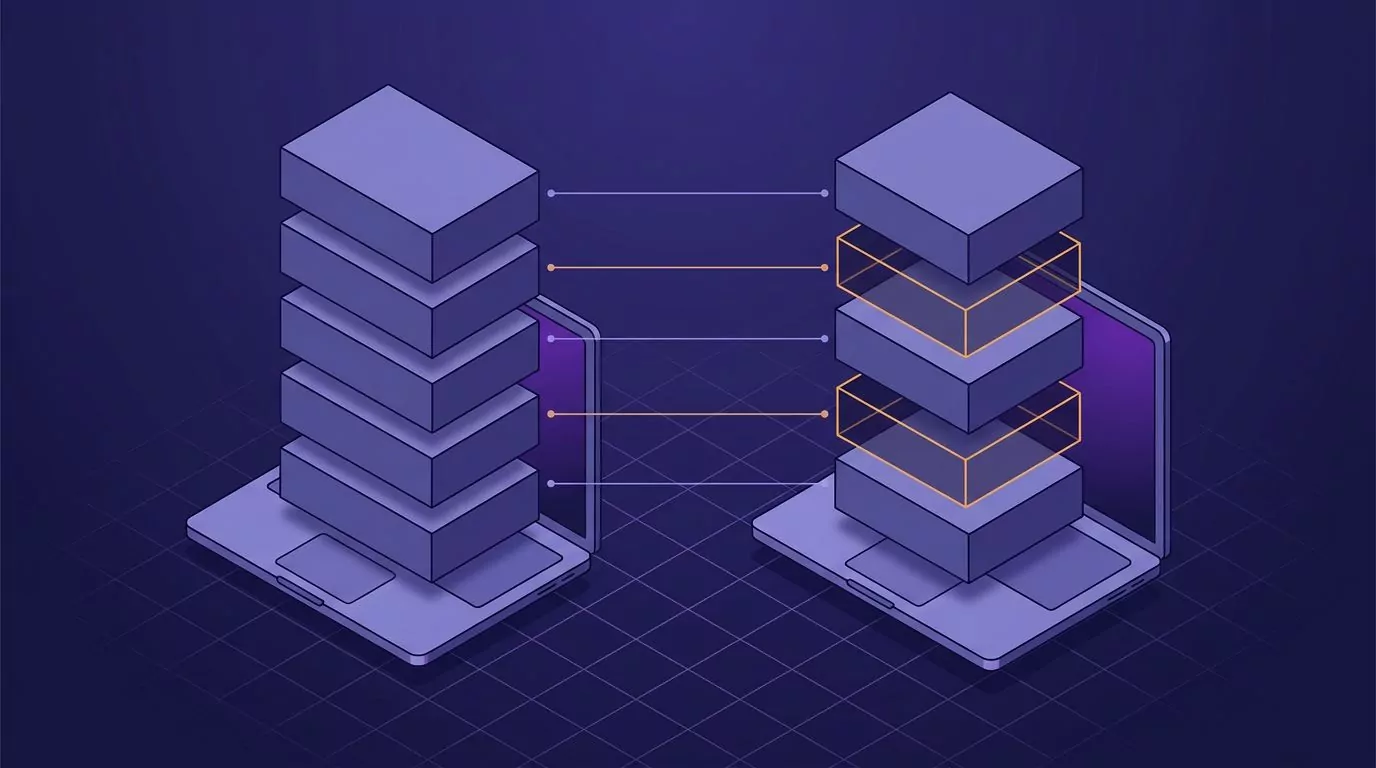
Superwhisper's own Windows feature support page lists what is still missing. As of this writing that list is:
- FileSync, which syncs your config across installs on the same license
- Custom app folder location, so Windows keeps everything in the default folder
- Hold Shift to Auto-Send
- Simulate Keypresses
- Agentic coding integration with tools including Claude Code, OpenCode, Pi and Codex
That last one is the big one for developers. If your reason for dictating is talking to a coding agent, the Windows build does not have that hook yet. Our guide to what actually works when you code by voice goes into where dictation helps and where it does not.
For everything else, Windows users get the core loop. If you are only comparing it against what ships in the box, Microsoft's own voice typing feature is the baseline, and we cover it in detail in our piece on the Windows dictation shortcut. On the Mac side, the built in option is covered in how to dictate on a Mac.
How to Pick a Superwhisper Alternative When Platform Is Not the Deciding Factor
Once you drop "does it run on my OS" as the filter, three questions do the real work.
- How much setup do you want? Some apps hand you a model picker. Some hand you a shortcut and nothing else.
- Do you want your dictations kept? Some tools save every dictation. Some throw the text away the moment it lands.
- What price shape suits you? Monthly, yearly, or one payment.
Here is how the field lines up on those questions.
Read the table on the columns that matter to you, not top to bottom. Platform rules tools out. Setup and price narrow what is left. The history column is the one most people forget until six months in, when they go looking for something they know they said.
| App | macOS | Windows | Processing | Model setup needed | Past dictations kept | Price |
|---|---|---|---|---|---|---|
| Superwhisper | Yes | Yes | Local or cloud | Yes | Yes, local History panel | Free tier, $8.49/mo, lifetime option |
| Wispr Flow | Yes | Yes | Cloud | No | Not documented publicly | Free 2,000 words a week, $15/mo |
| VoiceInk | Yes, Apple Silicon | No | Local | Yes | Not documented publicly | $29 to $69 one time |
| MacWhisper | Yes | No | Local | Yes | Yes, transcripts you can search | Free tier, 64 euros one time |
| Whisper Notes | Yes, M series | No | Local only | Some, three engines | Yes, on device only | $14 once on Mac |
| Spokenly | Yes | Yes | Local or cloud | Yes | Not documented publicly | Free tier, $9.99/mo Pro |
| Willow | Yes | Yes | Cloud, offline mode | No | No, zero data retention, enforced on Business tier | Free tier, $15/mo, $12/mo annual |
| Voibe | Yes | Yes, cloud only | Local on Mac, cloud on Windows | Some | No, nothing retained | $7.50/mo, $59/yr, $149 lifetime |
| VoiceSnap Pro | Yes | Yes | Cloud, audio discarded | No | Yes, every dictation saved and searchable | $39 one time early access |
The Alternatives, One at a Time
Who should just stay on Superwhisper
Worth saying before the list. If you are on an Apple Silicon Mac, you want offline transcription, and you enjoy tuning modes, Superwhisper is already close to the best version of that. Nothing below beats it at its own game.
The lifetime licence also changes the maths. If the alternative is paying $8.49 a month somewhere else forever, buying once and stopping is a reasonable call.
Switch if one of these is true: you want less setup, you want a cheaper one time price, you need the same app on Windows without the feature gaps, or you want a dictation history you can search by phrase.
Wispr Flow
Wispr Flow is the closest thing this category has to a default. It runs on Mac, Windows, iPhone and Android, and it asks you for nothing at setup. There is no model list and no mode editor. You install it, hold a key, and talk.
The free tier gives you 2,000 words a week on desktop and 1,000 a week on iPhone. Pro is $15 a month, or $12 a month if you pay yearly. Students get half off.
Where it beats Superwhisper: zero setup, and the mobile apps are real rather than an afterthought. Where it loses: it is cloud based, so there is no offline mode to fall back on, and $15 a month ties Willow for the highest single user monthly price in this list. Notetaker, its meeting feature, is still Mac only.
VoiceInk
VoiceInk is the pick for people who want local processing and a single payment. It runs on Apple Silicon Macs on macOS 14.4 or later, plus iOS. Everything is transcribed on the device, and the source code is public on GitHub.
Pricing is one time: $29 for one device, $49 for two, $69 for three. There is a 14 day refund window.
Where it beats Superwhisper: no subscription at all, and full source transparency. Where it loses: no Windows build, and no Intel Mac support, so a mixed hardware setup rules it out.
MacWhisper
MacWhisper started as a file transcription tool and grew system wide dictation later. That history shows. It handles audio and video files, YouTube links, podcasts and meeting recordings from Zoom, Teams and Webex, and it also types at your cursor.
There is a free tier that stays free, and Pro is 64 euros as a one time purchase with lifetime updates.
Where it beats Superwhisper: it is the better tool if you also need to transcribe files you already have. Where it loses: Mac only, and the dictation side feels secondary to the transcription side.
Whisper Notes
Whisper Notes is the strictest privacy option here. It runs fully offline on M series Macs and on iPhone 12 or later. No account, no internet, no cloud fallback.
On Mac you get 10,000 words free and then pay $14 once. The iOS app is $7.99. It deliberately does not sync over iCloud, so transcripts stay on the device you made them on and you export by hand.
Where it beats Superwhisper: nothing leaves the machine, ever, and the price is trivial. Where it loses: no Windows, no Intel Mac, no sync, and far fewer formatting options.
Spokenly
Spokenly covers the widest platform spread on this list: macOS, Windows, Linux and iOS. It runs local models such as Whisper and Parakeet, and it can also call cloud engines from OpenAI, Deepgram and Groq.
The free tier includes unlimited local transcription and lets you bring your own cloud API keys at no extra cost. Pro is $9.99 a month and adds managed cloud models and priority support.
Where it beats Superwhisper: Linux support, and a genuinely useful free tier. Where it loses: it hands you the same model picking job you may be trying to escape.
Willow
Willow runs on Mac, Windows and iPhone and aims squarely at the no setup end. It has an offline mode, and it keeps an auto learning dictionary of names, product terms and abbreviations you use often.
Willow advertises zero data retention, and its pricing page lists enforced privacy mode as a Business tier feature. The prices themselves are public: Basic is free, Pro is $15 per user a month or $12 billed annually, and Business is $35 a month or $28 annually. Only the Enterprise tier asks you to contact sales.
Where it beats Superwhisper: the learning dictionary fixes proper nouns you would otherwise correct by hand. Where it loses: Pro at $15 a month ties Wispr Flow for the highest single user monthly price in this list, and there is no one time licence to fall back on. Enforced zero data retention also sits on the $35 Business tier, not the free plan.
Voibe
Voibe runs on Mac, including Intel Macs, and on Windows. On Mac you choose between fully on device processing, which needs Apple Silicon, or a zero retention cloud mode. On Windows you get the cloud mode only.
Pricing is $7.50 a month, $59 a year, or $149 as a one time lifetime license. There is a seven day trial and a 30 day refund window.
Where it beats Superwhisper: the lifetime price is well under Superwhisper's, and Intel Mac owners are not left out. Where it loses: Windows users do not get the on device option at all, so the privacy story changes depending on which machine you sit at.
VoiceSnap Pro
VoiceSnap Pro sits at the zero setup, cross platform end. It runs on macOS and Windows. You choose a shortcut once, grant microphone access once, and that is the setup. There is no model list, no local LLM to configure, and no mode editor.
Hold the shortcut, speak, release. Text appears at the cursor with capitalisation, punctuation and paragraph breaks already applied, and filler words like "um" stripped out. The app you were in keeps focus the whole time.
The part that answers the history question: every dictation is saved automatically as a note, tagged with the app you dictated into and the time. You can search all of it by any phrase you actually said, browse it grouped by day and by app, and export a note, a day, or the whole library as plain text or Markdown.
Be clear about the privacy model, because it is not the same as Superwhisper's. Audio is sent for transcription, then discarded. Only the text notes remain, and there is no audio playback and no long term audio storage. That is not on device processing, and it should not be read as such. If that distinction matters to you, read our explainer on what zero data retention actually means.
Where it beats Superwhisper: one shortcut and no model decisions, the same app on both desktop platforms, and a searchable record of everything you have dictated. Where it loses: it is pre-launch and collecting a waitlist rather than shipping a download today, there is no mobile app, and there is no offline mode. Early access is $39 one time.
Migrating Off Superwhisper: What Happens to Your Old Dictations
No alternative roundup answers this, so here it is plainly. Nothing imports. Not one tool in this list reads Superwhisper's history.
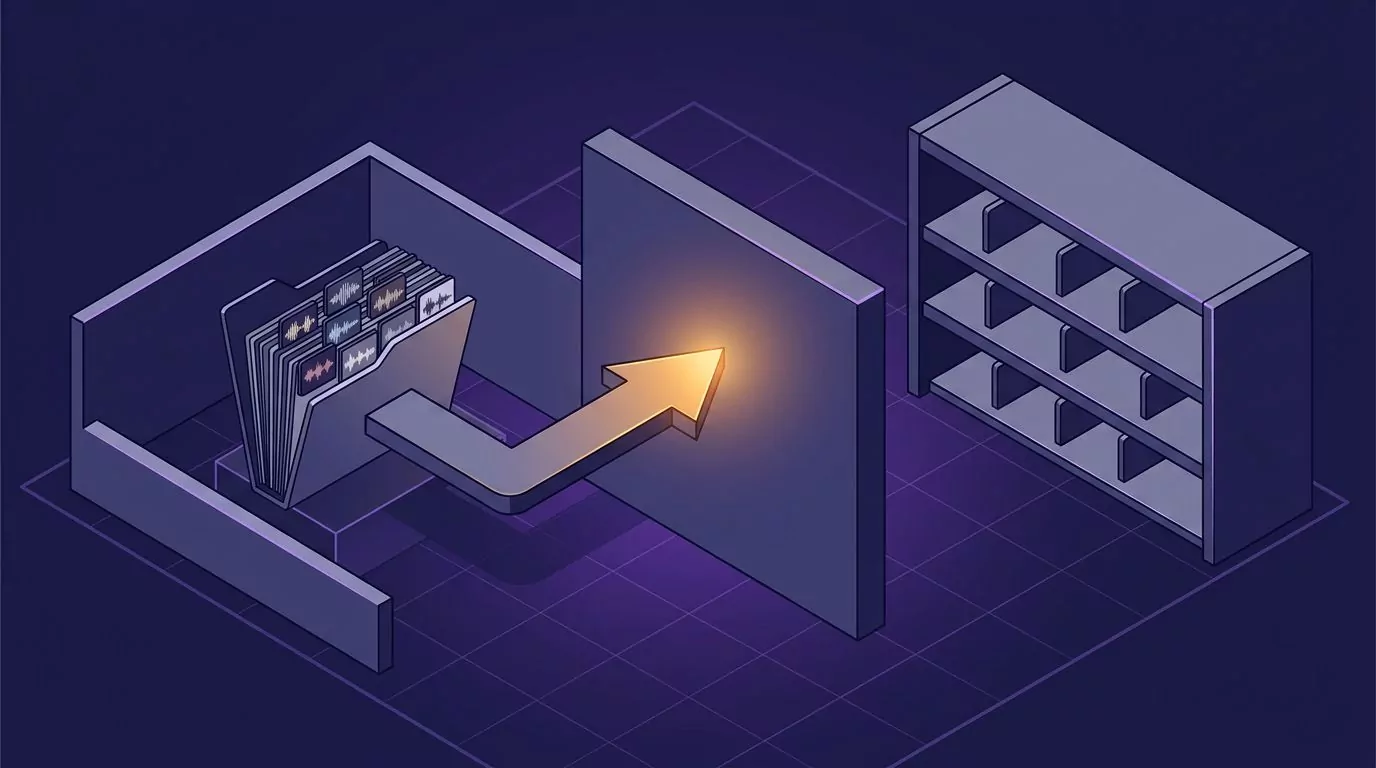
The good news is that nothing is destroyed either. Superwhisper's history lives in ordinary files on your own disk. On a Mac the default folder is ~/superwhisper/recordings, and older installs may still use ~/Documents/superwhisper/recordings. On Windows it sits under %LOCALAPPDATA%\com.superwhisper.app, which also holds your config and modes.
Three things follow from that, and they are worth knowing before you uninstall.
- Your audio is still there. Superwhisper's History panel keeps the recording, not just the text. The docs are explicit that it does not delete old recordings on its own, and there is no built in bulk cleanup. Their own guidance is to schedule a cron job if you want the folder pruned.
- Search only covers half of it. The History search filters your original dictation, not the AI processed result. So if a mode rewrote your rambling into a tidy email, you can find the rambling but not the email.
- Copy the folder before you uninstall. That is your migration. Archive it somewhere, then start clean in the new app.
One more thing before you go. If you bought a lifetime licence, you keep it. Leaving does not mean losing it, so you can install Superwhisper again later on the same account and read the old history in place. Treat the switch as a trial, not a divorce.
This is the moment to ask what you actually want a history for. If the answer is "so I can find that thing I said last Tuesday", a tool that saves the finished text and lets you search it by phrase is more useful than one that stores the raw audio. That is the same argument behind keeping a commonplace book you can actually search.
Local Models or Zero Setup: An Honest Trade Off
The whole SERP for this keyword argues one axis, and it is worth naming. On one side sit the tools that run models on your machine. On the other sit the tools that send audio out and hand you polish with no dials.
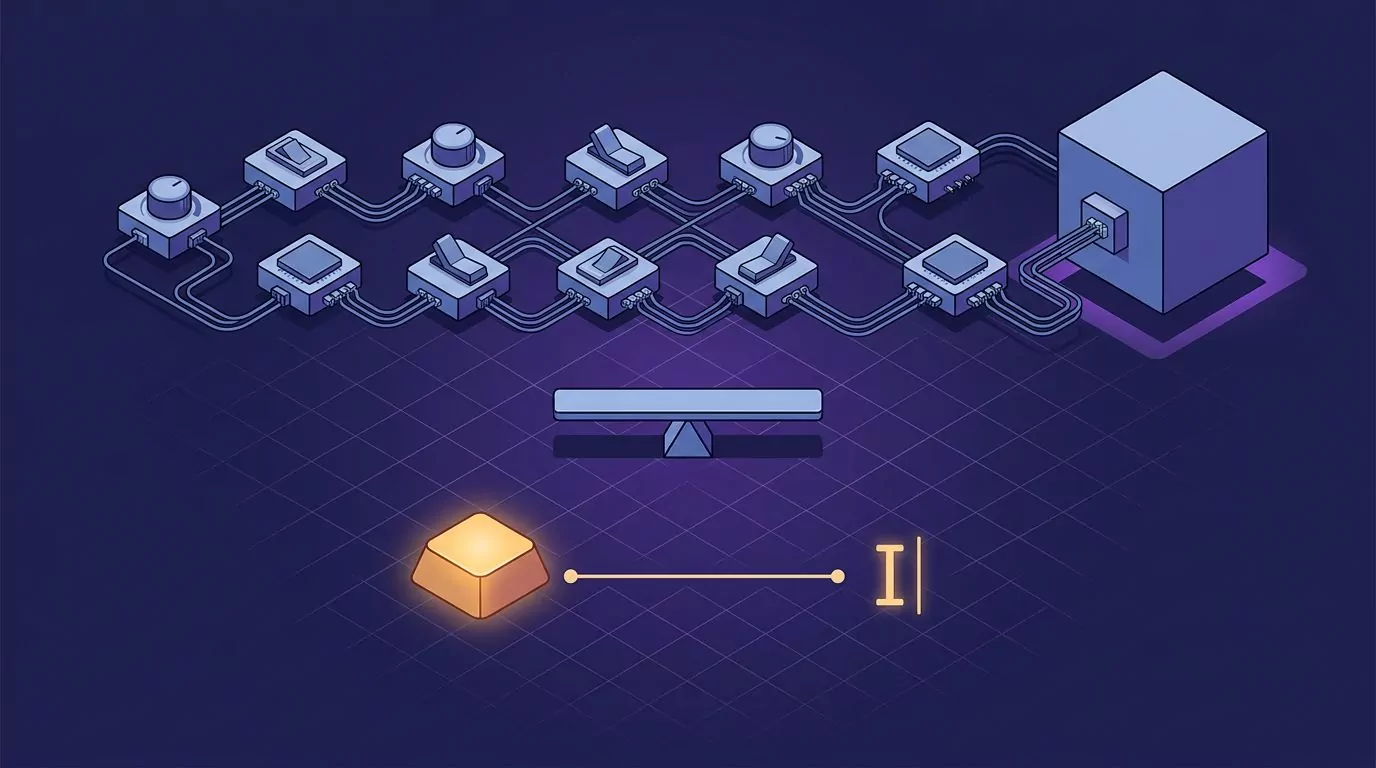
Neither side wins outright. Here is what each one really costs.
Local models get you: transcription with no network, no vendor holding your audio, and no per word limits. They cost you: disk space for model files, a machine fast enough to run them, and a decision you have to make and revisit. On Superwhisper, VoiceInk and Voibe, the good local path needs Apple Silicon.
Zero setup gets you: working dictation in about a minute, consistent quality regardless of your hardware, and nothing to maintain. It costs you: a network dependency and a vendor in the loop.
One myth deserves a direct answer: local is not automatically more private. A cloud tool that discards audio the second it is transcribed can leave less behind than a local tool that quietly stacks up years of recordings in a folder you forgot about. Where the processing happens is one question. What is retained afterwards is a different one, and it is the one that usually bites.
If Windows Is Your Main Machine, Here Is the Short List
Superwhisper is on this list now, which is the point of this article. But if you want the full set of tools that run on Windows today, these are your options.
- Superwhisper, with the five feature gaps listed earlier. Fine unless you need the agentic coding hook.
- Wispr Flow, if you want nothing to configure and do not mind $15 a month.
- Spokenly, if you want a free tier and are happy picking models.
- Willow, if the learning dictionary appeals and $15 a month works for you.
- Voibe, if a $149 lifetime licence beats a subscription for you. Cloud only on Windows.
- VoiceSnap Pro, if you want one shortcut, no setup, and a searchable record of everything you dictate. Pre-launch, $39 one time.
The three that are off the table on Windows are VoiceInk, MacWhisper and Whisper Notes. All three are Mac only, and two of them also need Apple Silicon. If you split your week between a Mac and a PC, running two different apps means two different shortcuts and two separate histories, which is its own tax. Our walkthrough of talk to text on your computer covers how to keep one habit across both desks.
Frequently Asked Questions
Does Superwhisper work on Windows?
Yes. Superwhisper publishes an app for Windows 10 and 11, alongside macOS and iOS. A handful of Mac features are not there yet, including FileSync, custom folder locations, Hold Shift to Auto-Send, Simulate Keypresses, and the agentic coding integration with tools such as Claude Code, OpenCode, Pi and Codex. Older comparison articles that call it Mac only are out of date.
What is the best free Superwhisper alternative?
Spokenly, if you want the most usable free tier. It gives you unlimited local transcription for free on macOS, Windows, Linux and iOS, and lets you plug in your own cloud API keys at no charge. Wispr Flow's free tier is easier to start with but caps you at 2,000 words a week on desktop.
Superwhisper vs Wispr Flow: what is the actual difference?
Setup and processing. Superwhisper lets you pick voice models, language models and modes, and can run entirely on your machine. Wispr Flow gives you no dials at all and runs in the cloud. Superwhisper is cheaper per month at $8.49 against $15, and it offers a lifetime licence. Wispr Flow has the better mobile story.
Do you lose your dictation history when you switch dictation apps?
You lose access to it inside the new app, but the old files usually stay on your disk. No tool in this comparison imports another tool's history. Copy your old folder somewhere safe before uninstalling, and treat the new app as a fresh start.
Is local transcription always more private than cloud transcription?
No. Local processing means your audio does not travel. It says nothing about how long that audio then sits on your drive, and some local tools keep every recording forever by default. A cloud tool that transcribes and immediately discards the audio can retain less than a local one. Check retention, not just location.
Where to Start
If the setup dials are what pushed you to look for a superwhisper alternative, pick something that does not have any. Choose one shortcut, use it for a week, and see whether talking beats typing for the messages you send most. Speaking runs well ahead of most people's keyboards, as our numbers on average typing speed show.
Whatever you land on, give it a full week before you judge it. The first two days of any dictation app feel awkward, because you are still writing sentences in your head before you say them. That habit fades, and the speed shows up after it does.
If you like the idea of holding one key on both your Mac and your PC, and having every dictation land in a library you can search later, you can join the VoiceSnap Pro waitlist for early access at $39 one time.