Voice Coding: What Actually Works, and What Dictation Is Really For
Voice coding means two different things: writing literal syntax by voice with a custom grammar in tools like Talon or Serenade, or dictating the plain English that surrounds your code. That second lane covers commit messages, review comments, ticket descriptions, and incident notes. It is the one most developers who search for the term actually want.
Two things people mean by voice coding
Search for voice coding and you land in one of two camps. Neither camp tells you the other exists.
The first camp is about injury and access. These are people with wrist pain, tendonitis, or nerve damage who had to stop typing. They learned a grammar, and now they speak brackets, loops, and cursor jumps out loud.
The second camp is newer. It treats voice coding as talking to an AI agent. You describe a feature out loud, and the model writes the code for you.
Both camps are real. Neither one covers the thing most working developers actually want, which is a third lane that nobody has named yet.
Here is the gap. A big slice of your typing day is not code at all. It is English about code, and it goes into boxes that have nothing to do with your editor.
So this guide splits the topic into three lanes. If your hands hurt, lane one is worth every week it costs. If you type fine and just want your hands back for part of the day, skip ahead to lane three.
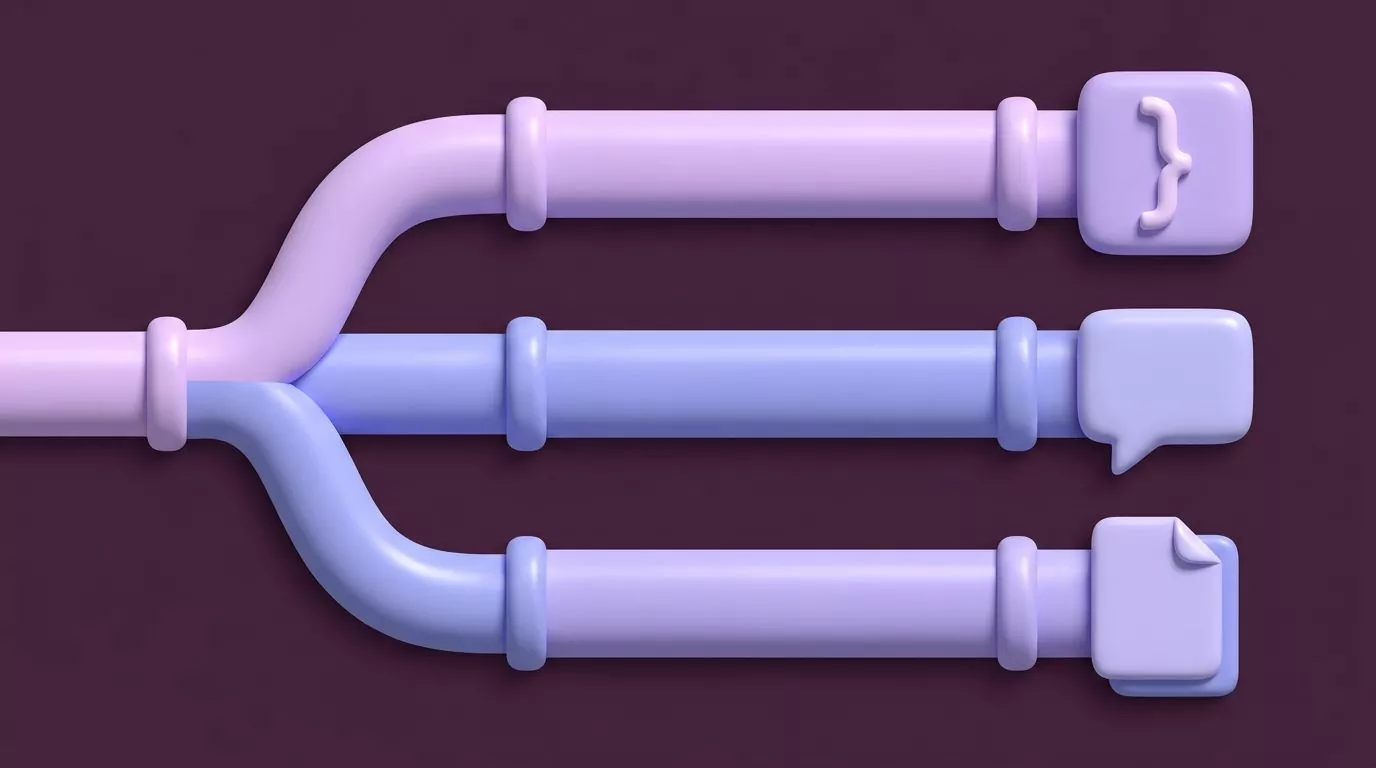
Lane one: syntax aware tools like Talon and Serenade
This is the lane the word "coding" points at. You speak, and literal syntax appears. Brackets, semicolons, camel case identifiers, and cursor motions all come out of your mouth.
It does not work by dictating English. It works by learning a grammar. Each sound maps to a token, and you build muscle memory for a few hundred spoken commands.
Three names own this lane:
- Talon Voice is the big one. It handles speech, noise input such as a pop or a hiss, and eye tracking. You extend it with Python scripts, so your voice coding commands can do almost anything.
- Serenade is closer to plain speech. You say what you want in near English, and it writes the syntax for that language. Serenade voice coding runs inside editors such as VS Code, IntelliJ, and PyCharm.
- Cursorless sits on top of Talon. It paints small colored marks on the screen so you can grab any token by name instead of moving a cursor there.
Note where each one lives. Voice coding in VS Code usually arrives as an extension, which is how Serenade and Cursorless plug in. Talon sits lower down, at the operating system level, so it can drive any window.
Be honest with yourself about the cost. People who made this work describe weeks of setup and practice before they got back to normal output.
Josh W. Comeau wrote about coding with Talon and an eye tracker after nerve trouble in his arm. Salma Alam-Naylor has a similar account of learning to code with her voice after hand pain. Both are worth reading in full before you commit.
The payoff is real, and so is the price. If typing hurts, this lane gives you your job back. If typing is fine, weeks of grammar drills to type a semicolon is a strange trade.
Lane two: dictating prompts at an AI coding agent
The newer camp calls this voice coding too. You hold a key, describe the change you want, and an agent writes it.
Look closely at what your voice is doing here. It is not producing syntax. It is producing a prompt, and the model produces the syntax.
That is a fair way to work. Speaking a prompt is faster than typing one, and people tend to give more context out loud. You mention the edge case you would have skipped in a typed sentence.
It also has a clear ceiling. Your voice never touches the code, so none of the hard parts of voice to text for programming show up. There are no identifiers to spell and no operators to pronounce.
Call it what it is: prompt dictation. It is useful, and it is a different skill from lane one. Any general dictation tool can do it, because the target is just a chat box.
If that is your whole workflow, you do not need voice coding software at all. You need a microphone and an agent you already trust.
This lane filled up fast in the last year, which is why it now crowds the search results. Speaking to an agent is genuinely pleasant, and the demos are easy to film.
Just keep the review step. Speaking a longer prompt makes the model more confident, not more correct, so you still read every diff before it lands.
Lane three: the prose that surrounds your code
Now the part nobody writes about. Open your last working day and count what you typed that was not code.
The list is longer than people expect:
- Commit messages, including the body text under the summary line
- Pull request descriptions and review comments
- Incident updates in a channel while something is on fire
- Postmortem timelines and follow up actions
- Linear or Jira ticket descriptions and status notes
- Design docs, RFCs, and architecture decision records
- Code comments that explain a choice rather than the syntax
- Slack threads to the on call engineer
- Replies to a security review or a compliance questionnaire
None of that is syntax. All of it is English, in full sentences, with real punctuation.
It is also a large share of a senior developer's typing day. Precise numbers vary by role and team, so treat that as an observation and not a measured statistic. Count your own day if you want the real figure.
Here is why the split matters. This lane needs none of lane one's machinery. There is no grammar to learn, because you are dictating sentences, not tokens.
It is the plain case for dictation for programmers. You put the cursor in a pull request review comment box, hold a key, say the paragraph, and let go. The text appears where the cursor was.
This is also where a good tool disappears. You stay in GitHub, or Linear, or your chat app. Nothing opens a special window and nothing asks you to paste.
There is a quality effect too, and it surprises people. Spoken review comments tend to be longer and warmer than typed ones, because the cost per sentence drops.
You explain the reasoning you would normally cut. The comment that would have read "use a map here" becomes a sentence about why the lookup is hot.
Where plain dictation falls apart
No ranking page will tell you this, so here it is. Plain dictation is very good at sentences and quite bad at code shaped strings.
These are the things that break it:
-
Identifiers. Say
getUserByIdout loud and you get "get user by ID" as three or four words. Same story forsnake_caseandSCREAMING_SNAKE_CASE. -
Symbols and operators. Nothing sensible comes out of speaking
=>,!==, or a closing curly brace. -
CLI flags. A flag like
--dry-runbecomes "dry run" and loses both dashes. - File paths. Slashes, dots, and extensions get turned into words or dropped.
- Version numbers. "Version one point twelve point three" is a coin flip.
- Technical homophones. Cache and cash. Query and querie. Root and route. Sudo and pseudo. The model picks whichever is more common in normal English, which is rarely the one you meant.
None of this is a bug. It is a mismatch. Prose models are trained to write sentences a person would read, so they normalize anything that looks like a typo.
The same instinct works in your favour for prose. You do not say "comma" or "new paragraph" out loud, because punctuation and paragraph breaks are added for you. Speak the way you would to a colleague and the shape of the text follows.
So use a rule instead of hoping. Here is one that holds up in daily work:
Dictate anything you would say out loud to a colleague. Type anything you would put in backticks.
That rule is easy to apply mid sentence. Speak the explanation, stop, type the identifier, then carry on speaking.
A worked example helps. Say the sentence "this regressed when we moved the retry logic out of the worker", then type RetryPolicy.max_attempts yourself, then keep dictating the rest of the review comment.
You will feel the switch point after a day or two. It lands almost exactly where a code font would start in your text.

Which lane fits your job: a decision table
Match the row to what you are trying to produce. That single question sorts almost everyone.
| What you want to produce | Tool category | Setup cost | Learning curve | Where it works |
|---|---|---|---|---|
| Literal syntax: brackets, identifiers, cursor motions | Syntax aware voice control (Talon, Serenade, Cursorless) | High. Install, grammars, per app config | Weeks of daily practice | Strongest in supported editors |
| Prompts for an AI agent to turn into code | Any dictation tool plus an agent | Low | An hour | The agent's chat box |
| Commit messages, review comments, tickets, docs | Plain prose dictation | Low. Pick a shortcut, allow the microphone | Minutes | Any text field in any app |
| Full hands free control of the whole machine | Voice control plus eye tracking hardware | Very high, including hardware | Months | The whole operating system |
Most people who search for voice coding land on row three and are surprised. They came looking for a way to speak Python, and what they needed was a way to stop typing the paragraph above the Python.
Rows one and three mix well, by the way. Plenty of Talon users still dictate ordinary prose the ordinary way, because a grammar is overkill for a Slack message.
Narrating an incident while your hands are busy
Here is the workflow that sells lane three better than any feature list. It is three in the morning and something is down.
Your hands are on the keyboard the whole time. You are tailing logs, restarting a pod, and rolling back a deploy. Your attention is on the graph, not on writing.
So the notes never get written. You promise yourself you will remember the order of what you tried, and then you do not.
Now change one thing. Every time you try something, you say it out loud in one sentence and it lands in the incident channel.
"Rolled back to the previous image at 3:12, error rate did not move." That takes four seconds to say. It takes thirty seconds to type, which is why it never gets typed.
The payoff arrives two days later. Someone has to write the postmortem, and the timeline already exists because you narrated it while it happened.
This is where a saved notes library earns its place. VoiceSnap Pro keeps every dictation as a searchable note, tagged with the app and the time, and exports notes as plain text or Markdown. You search the phrase you remember saying, and the fragment comes back with its timestamp.
Note the honest limit. None of that reconstructs what you did not say. Narration is a habit you build, and the tool only makes the habit cheap.
Dictating around proprietary code and under an NDA
Ask this before you install anything. If you work on closed source under a contract, the question is not accuracy. It is where your words go.
Start with what you are actually saying out loud. In lane three you are not reading source code aloud. You are describing behaviour, and the words are ordinary English.
That still matters. "The billing reconciliation job double charges when a retry lands after the ledger closes" is not source code, and it is still confidential.
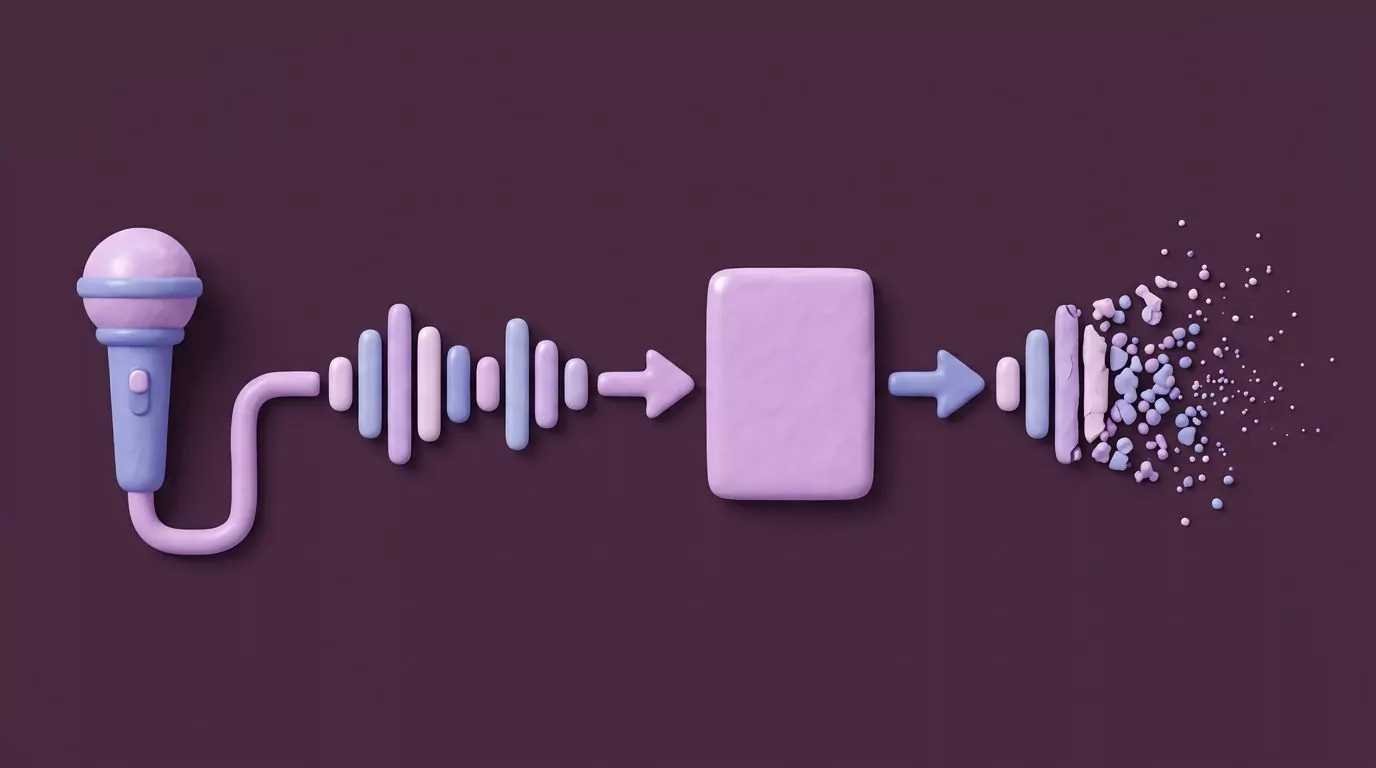
So work out what leaves the machine. Some tools transcribe on your device and nothing leaves at all. Others send audio to a server, get text back, and differ wildly in what they keep.
Four questions to put to any vendor:
- Is audio processed on my device or on your servers?
- Is the audio stored after transcription, and for how long?
- Is my speech or text used to train models, and can I turn that off?
- Where are the transcripts stored, and can I delete them for good?
Get the answers in writing, from a published policy rather than a support chat. A vendor that cannot answer question two in one sentence has told you something already.
For VoiceSnap Pro the answer to question two is short: audio is transcribed to text and then discarded. No recordings are kept, and there is no audio playback, so what remains is the text note.
Retention is a separate question from transmission, and people conflate the two. "Nothing is stored" is not the same claim as "nothing is sent", so ask both.
One more habit worth having. Do not narrate the parts you would not paste into a ticket, because your ticket system is usually the honest benchmark for what counts as safe.
Start in the lane you are already in
Pick by what hurts. If typing hurts, go to lane one and give it the weeks it needs, because Talon and Serenade exist for exactly that.
If nothing hurts and you just resent the prose, lane three costs an afternoon. Try it on your next pull request review and see whether the comment gets longer and clearer.
It is worth being clear about boundaries here. VoiceSnap Pro is not a syntax aware tool: it will not type brackets, camel case identifiers, CLI flags, or editor motions for you. What it does is put clean punctuated English wherever your cursor already is, and keep a copy as a searchable note.
It is in pre launch right now, with early access at $39 one time. If holding one key instead of typing the next review comment sounds like an improvement, the waitlist is the place to start.
Frequently Asked Questions
Can you actually write code with your voice?
Yes, with a syntax aware tool such as Talon, Serenade, or Cursorless. These map spoken commands to tokens and cursor motions instead of dictating English, which is why plain dictation cannot do it. Expect several weeks of practice before your output matches your old typing speed.
What is the difference between Talon and plain dictation?
Talon Voice is a command system, so you learn a grammar and each spoken word triggers a token, a motion, or a script. Plain dictation is the opposite: you speak normal English and it appears as punctuated text. Talon is built for syntax, and dictation is built for prose.
Can I dictate a commit message?
Yes, and it is one of the best places to start, because a commit body is plain English and that is exactly what dictation handles well. Speak the summary line short, then dictate the body explaining why the change was needed. Type any identifiers or file paths yourself, as the git commit documentation expects them to be exact.
Why does dictation get variable names wrong?
Because a prose model normalizes what it hears into ordinary words. It turns getUserById into "get user by ID" and drops the case boundaries. Symbols, CLI flags, and file paths fail the same way, so type those by hand and dictate the sentences around them.
Is it safe to dictate near proprietary code?
It depends entirely on the tool's handling of audio and text. Ask whether processing happens on device or on a server, whether audio is stored after transcription, and whether your speech trains a model. In lane three you describe behaviour rather than read source aloud, which lowers the risk but does not remove it.