Zero Data Retention: What It Actually Means When an App Is Listening to You
Zero data retention means a service handles your data, returns a result, and then keeps nothing. No copy on a disk, no line in a log, no record sitting in a queue waiting for a cleanup job. The data lives only for the seconds it takes to answer your request. After that, there is nothing left to leak.
That phrase was written for enterprise contracts. Almost every page explaining it is aimed at a security team with a vendor questionnaire and a lawyer on call.
This article is aimed at you, sitting at a laptop with a microphone on. You have no procurement team. You cannot negotiate a custom agreement. You just want to know what happens to the words you say out loud into a dictation tool, and how to find out without taking a marketing page at face value.

What zero data retention means, plainly
Think of a calculator. You type numbers in, it shows an answer, and it forgets. It does not keep a history of every sum you ever ran.
Zero data retention applies that idea to a service running on someone else's computer. Your input arrives, it gets processed in memory, the result goes back to you, and the input is never written down anywhere.
The important word is written. Data that only ever exists in memory disappears when the process ends. Data written to a disk keeps existing until something deletes it, and "something deletes it later" is a very different promise from "it was never saved."
Most vendor policies sit between those two poles. A typical AI data privacy page will say inputs are kept for 30 days for abuse monitoring, then deleted. That is a short retention window, not zero retention.
The distinction shows up clearly in real documentation. OpenAI's data controls guide lists retention behaviour separately for each API endpoint, and it treats zero data retention as a specific setting that has to be switched on rather than the default. That is a useful model for reading any data retention policy: assume storage happens unless a document says it does not.
Why the standard definition breaks down for a voice app
Here is the gap that no compliance glossary fills. When you type into a chat box, there is one piece of data: the text. When you speak into a dictation app, there are two.
The first is the audio. That is a recording of your actual voice in your actual room. It carries things the words do not: who you are, how you sound, whether someone else is talking in the background, whether a child is crying, whether you are on a train.
The second is the text the audio turns into. That is what you said, stripped of everything else.
These are separate objects with separate fates. A tool can throw away the audio and keep the text forever. It can keep both. In rare setups it keeps neither.
Voice data collection is treated as one thing in most privacy writing, and that is the mistake. "We delete your recordings" is a real promise, but it is only half an answer. It tells you nothing about the transcript, which is the part that actually holds your ideas, your passwords read aloud, your medical questions, and your unfinished thoughts.
So the question is not "do they keep my voice?" It is "what happens to each of the two things my voice becomes?"
The four things that can happen to your audio
Between you speaking and text appearing, your audio can end up in one of four places. Most tools do some blend of these, and the blend is what a data retention policy should spell out.
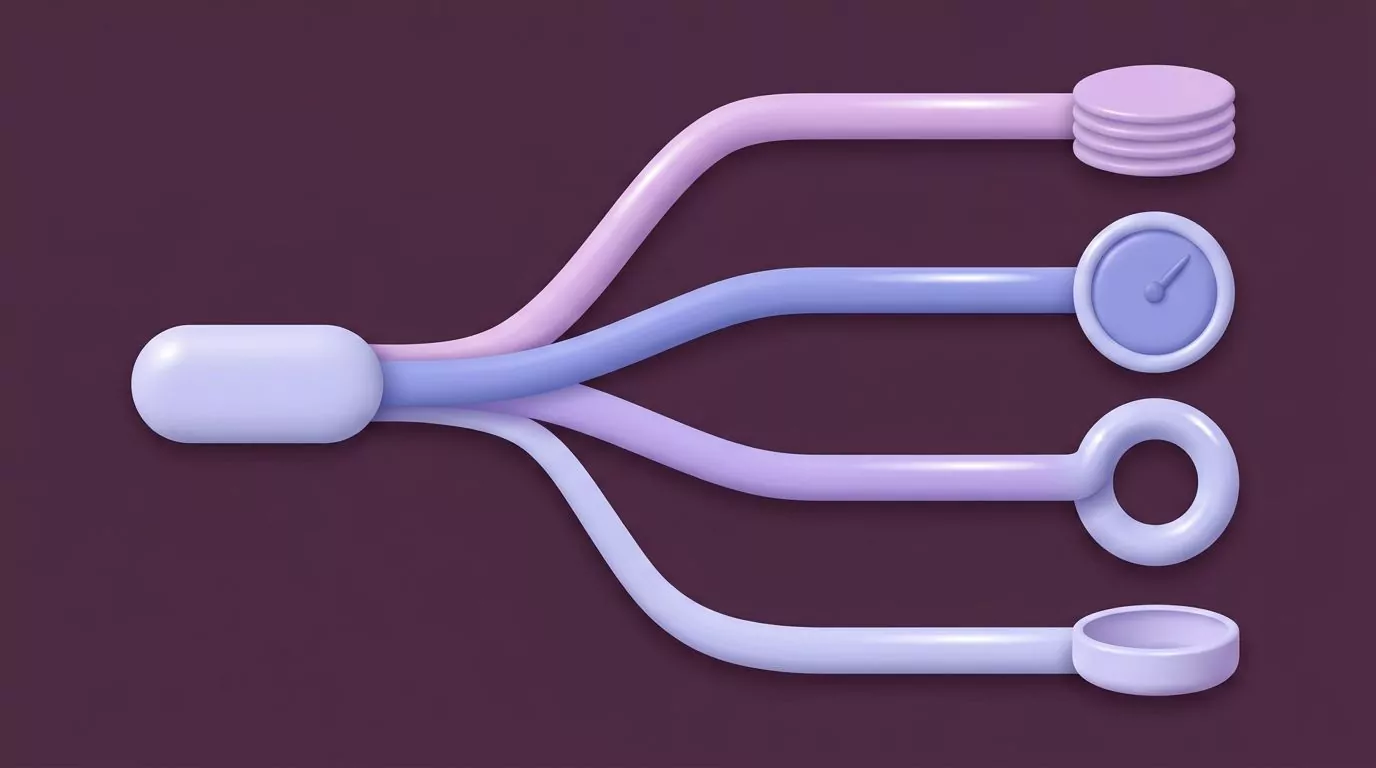
1. Buffered to disk before it is sent
Audio has to go somewhere while it waits to be uploaded. Some apps hold it in memory. Others write a temporary file to your hard drive first, then delete it after the upload finishes.
A temp file is usually harmless. It matters if the app crashes mid dictation, or if the file lands somewhere that gets backed up to a cloud drive without you noticing.
2. Held for a retention window
The audio reaches the vendor's servers and stays there for a fixed period. Thirty days is common. The stated reason is usually abuse monitoring, debugging, or quality checks.
This is the most common arrangement, and it is not zero retention. It is short retention, which is better than forever but is still a window in which your audio exists on a machine you do not control.
3. Used to train a model
Your audio joins a pile of other people's audio and helps improve the speech recognition system. Sometimes a human listens to a sample to check the transcript was right.
This is the one people care most about, and it is usually controlled by a setting. Whether you can opt out of AI training matters less than whether you already are by default.
4. Discarded once the text comes back
The audio is processed, the transcript is produced, and the audio is dropped. Nothing is kept, nothing is played back, and there is no recording to retrieve later.
This is what zero data retention looks like for the audio half of a voice app.
| What happens to the audio | What it means for you | The question to ask |
|---|---|---|
| Buffered to disk | A temporary file sits on your own machine for a moment | Where is it written, and when is it removed? |
| Held for a window | Your voice exists on a vendor server for days or weeks | How many days, and can the window be turned off? |
| Used for training | Your voice may improve a model, and a human may hear it | Is opting out the default, or do I have to find a toggle? |
| Discarded on delivery | Nothing to retrieve, nothing to breach, no playback | Discarded when, exactly, and is that written down? |
If you want a clearer picture of the step that sits between the microphone and the text, this explainer walks through how speech recognition actually converts sound into words.
The text is data too, and most tools keep it
This is the honest half of the story, and it is the half marketing pages skip.
Deleting audio is easy to promise and easy to feel good about. Nobody wants a library of recordings of their own voice. But for most dictation tools, the transcript is the product. Throwing it away would defeat the point.

Think about what your transcripts hold. A week of dictated Slack replies is a week of your working relationships. A month of dictated notes is a fairly complete record of what you were thinking about.
The audio was never the sensitive part. The words were.
None of this means keeping text is wrong. A searchable note history is genuinely useful, and it is the reason many people use these tools at all. The point is that "we do not store your recordings" and "we do not store what you said" are different sentences, and only one of them is usually true.
Six questions to send any voice app about data retention
This is the part you can actually use. Copy these into a support email or paste them into a live chat before you pay for anything.
Good answers are specific and boring. Vague answers that repeat words like "secure" and "enterprise grade" without naming a duration are the signal you are looking for.

- Is my audio written to disk before it is uploaded, and how long does that file exist? You are asking whether a copy of your voice touches storage at all, even briefly, and on whose machine.
- Is the audio deleted the moment the transcript is returned, or on a schedule? "On delivery" and "within 30 days" are both answers. Only one of them is zero retention.
- Is my audio or my text used to train models, and is opting out already on by default? Ask about both. Some tools exclude audio from training but still use transcripts.
- Where is the text stored: on my own disk, or on your servers? This is the question that decides how much of your thinking lives somewhere you cannot reach.
- What survives if I delete my account? Ask whether deletion removes the notes themselves, or just your ability to log in and see them.
- Can I export everything, and in what format? A real export in a plain format is the strongest sign a company is not holding your data hostage.
One follow up is worth sending if the answers come back thin: ask them to point at the page in their documentation that says so. Privacy by design usually shows up as written detail, because a team that built for it has something to point at.
How to verify a voice data collection claim from the outside
You can check some of this yourself. You cannot check all of it, and it is worth being clear about which is which.

Watch the microphone indicator
Both desktop operating systems show you when the microphone is live. macOS puts an orange dot in the menu bar. Windows 11 shows a microphone icon in the system tray.
Hold your dictation shortcut and watch the indicator appear. Release the key and watch it go away. If the indicator stays on after you release, the app is listening when you did not ask it to, and that is worth an email.
Open the permission panel
Your operating system keeps a list of every app that has asked for the microphone. Apple documents how to control access to the microphone on Mac in System Settings under Privacy and Security. Microsoft covers the same ground for app permissions for your microphone in Windows.
Both panels also show recent microphone use. That is a quick way to catch an app that reaches for the mic outside the moments you expect.
Look at whether anything leaves your machine
If a tool claims on device speech recognition, that claim is testable. Turn off your network connection and try to dictate.
Local speech to text keeps working with the network off. A cloud service will fail or hang. This one test separates the two categories faster than any privacy page, and it is the clearest practical difference in the cloud versus local speech recognition question.
Be careful with the conclusion. A tool that works offline is processing locally. A tool that fails offline is using a server, but that alone tells you nothing about what the server keeps.
Accept the limits of what you can see
Here is the honest boundary. You can confirm when the microphone is on. You can confirm whether audio leaves your computer. You cannot confirm what a server does with audio after it arrives.
No amount of network watching will show you whether a file was deleted after ten seconds or filed away for a year. That part rests on the vendor's word.
What you can judge is the quality of that word. Specific, dated, endpoint by endpoint documentation is a better sign than a confident sentence on a landing page.
A worked example: reading one dictation app's retention posture
Here is what it looks like to run those six questions against a real product, including the places where the answer is "not documented."
VoiceSnap Pro is a Mac and Windows dictation app. You hold a shortcut, speak into whatever text field your cursor is already in, and clean punctuated text appears when you let go. Every dictation is also saved as a note you can search by any phrase you said.
Running the checklist:
- Audio buffered to disk? Not documented. This is an open question you would have to ask.
- Audio deleted on delivery or on a schedule? The stated behaviour is that audio is transcribed and then discarded. There is no audio playback and no long term audio storage.
- Used for training, and is opt out the default? Not documented. Another open question.
- Is the text stored, and where? Yes, deliberately. Every dictation becomes a note in a searchable library. Whether that library sits on your own disk or on a server is not documented.
- What survives account deletion? Not documented.
- Is there an export? Yes. Notes export as plain text or Markdown, either one at a time, a day at a time, or the whole library at once.
So the scorecard is two clear answers, one clear answer with a trade off attached, and three blanks.
The trade off is the interesting one, and it is worth saying plainly rather than glossing. The audio genuinely goes away, but the text genuinely stays, because the searchable note history is the feature. If you dictate something you would not want written down anywhere, discarding the audio does not help you. The note is the record.
That is not a flaw hiding in the small print. It is the deal the product is offering, and it is a reasonable deal for most work. It is only a bad deal if you assumed "audio is discarded" meant "nothing is kept," which is exactly the assumption this article exists to break.
Three blanks out of six is also normal for a pre launch tool, and it is a fair thing to email about before you buy.
What zero data retention does not give you
The phrase has picked up a glow it has not earned. Four things it is not:
It is not encryption. Retention is about how long data is kept. Encryption is about who can read it while it exists. A service can hold your audio for a month in encrypted form, or process it in memory with no encryption at all.
It is not anonymity. The vendor still knows the request came from your account, from your IP address, at a particular time. Deleting the content does not delete the fact that you were there.
It is not a certification. No auditor issues a zero data retention badge. It is a claim a company makes about its own systems. Frameworks like SOC 2 or HIPAA are separate things with separate audits, and a retention claim does not imply either one.
It is not a promise about your text. This is the one that matters most for dictation. A zero retention claim about audio can sit happily next to a note library that keeps every word you have ever spoken into the app.
Read the claim narrowly. Ask which data class it covers. Then ask about the other one.
Frequently Asked Questions
What does zero data retention mean?
It means a service processes your data and keeps no copy afterwards. Your input is handled in memory, the result is returned, and nothing is written to storage or logs. It is stricter than a short deletion window, because there is no window at all.
Does zero data retention mean my voice recordings are deleted?
Usually it means they were never stored in the first place, which is stronger than deletion. But read the wording closely. "Deleted after processing" and "never written to disk" describe different systems, and only the second one is truly zero retention.
If the audio is deleted, is the transcript deleted too?
Often not, and this is the most common misunderstanding. Many dictation tools discard the audio while keeping the text, because the text is the thing you asked for. Ask about audio and transcript separately, because a single answer about "your data" usually only covers one of them.
Is my voice data used to train AI models?
It depends on the tool and often on a setting you have to find. The useful question is not whether you can opt out of AI training, but whether you are opted out already. Ask the vendor to confirm the default rather than pointing you at a toggle.
How can I check what a dictation app does with my microphone?
Watch the microphone indicator while you dictate and confirm it turns off when you release your shortcut. Then open the microphone permission panel on macOS or Windows to see recent access. To test whether processing happens locally, disconnect from the network and try to dictate, since speech to text offline only works if the model runs on your own machine.
Where this leaves you
You do not need a legal team to evaluate a voice app. You need to know that your voice becomes two different things, ask what happens to each, and treat any answer that only mentions one of them as incomplete.
Six questions, one microphone indicator, and one airplane mode test will get you further than most privacy policies will.
If a dictation tool that discards audio and keeps a searchable text history sounds like the right trade for how you work, VoiceSnap Pro is collecting a waitlist ahead of launch at $39 one time for early access. Ask it the six questions first. Ask every tool the six questions first.